Premium
Restore Premium on a new phone
Get your Premium subscription back on a new or reset iPhone, without an account.
Premium feature
Premium is linked to your Apple ID, not to an account with us.
Steps
- Make sure the new phone is signed in with the Apple ID you subscribed with.
- Open the app and go to Settings.
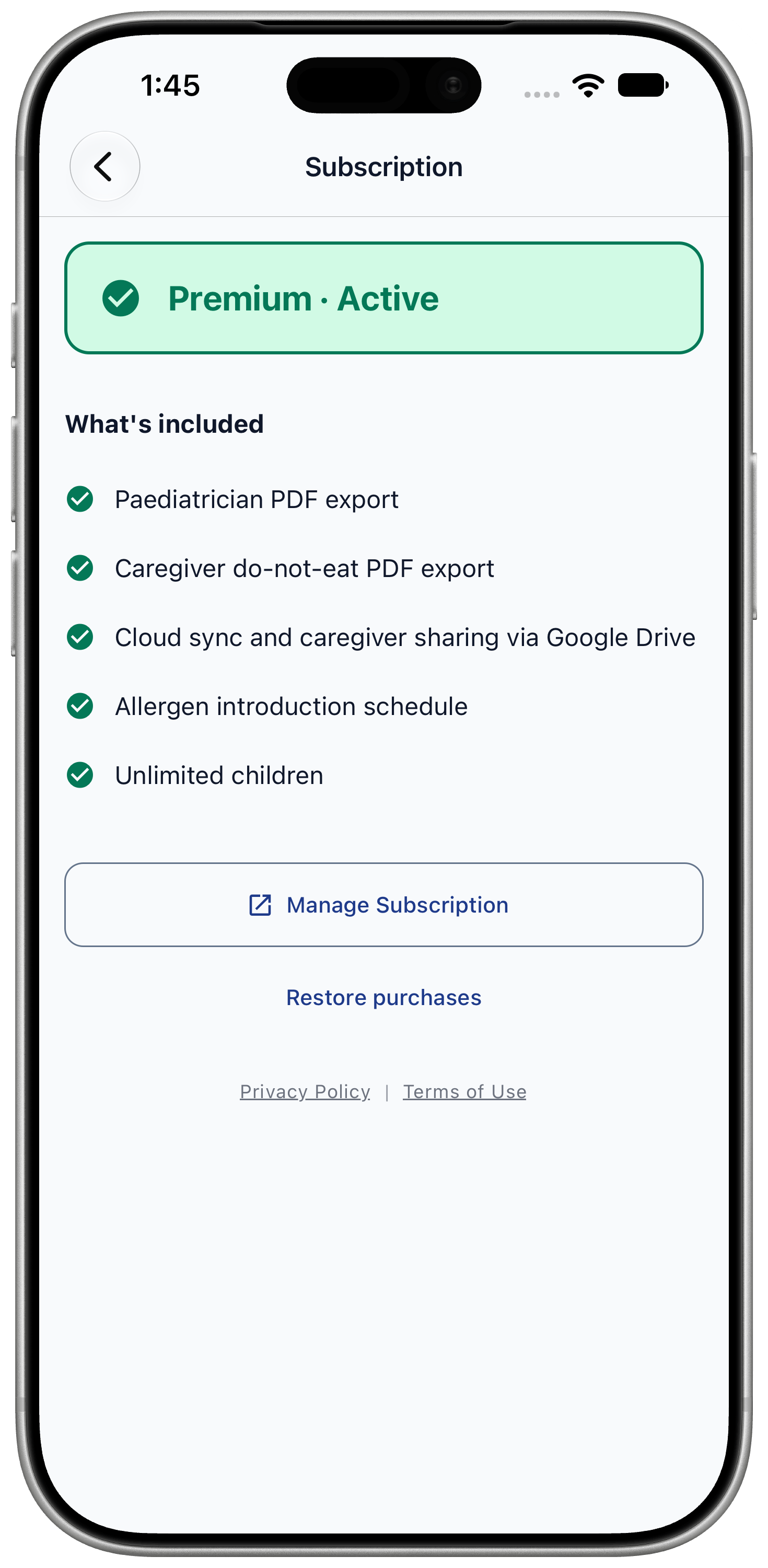
- Tap "Subscription".
- Tap "Restore purchase" and wait for the confirmation.
Restoring Premium doesn't bring back your log. Restore your backup file for that.
If it says no subscription was found
The message reads "No active subscription found".
- Check that you are signed in with the same Apple ID you used to subscribe.
- If you just redeemed a promo code, wait a few minutes and try again.
- To see, change or cancel your subscription, open your iPhone's Settings, tap your name, then Subscriptions.