Logging
Log a food
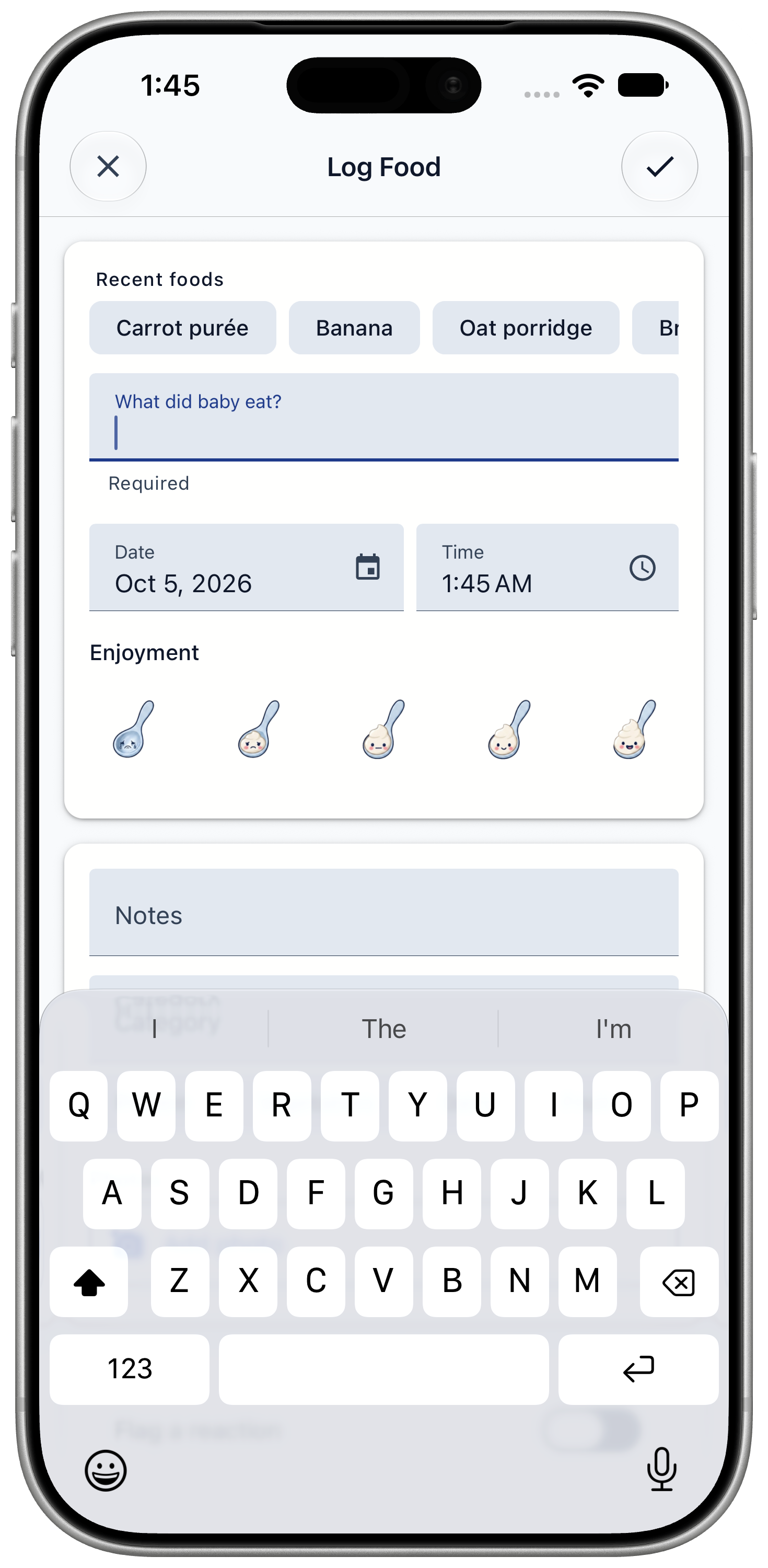
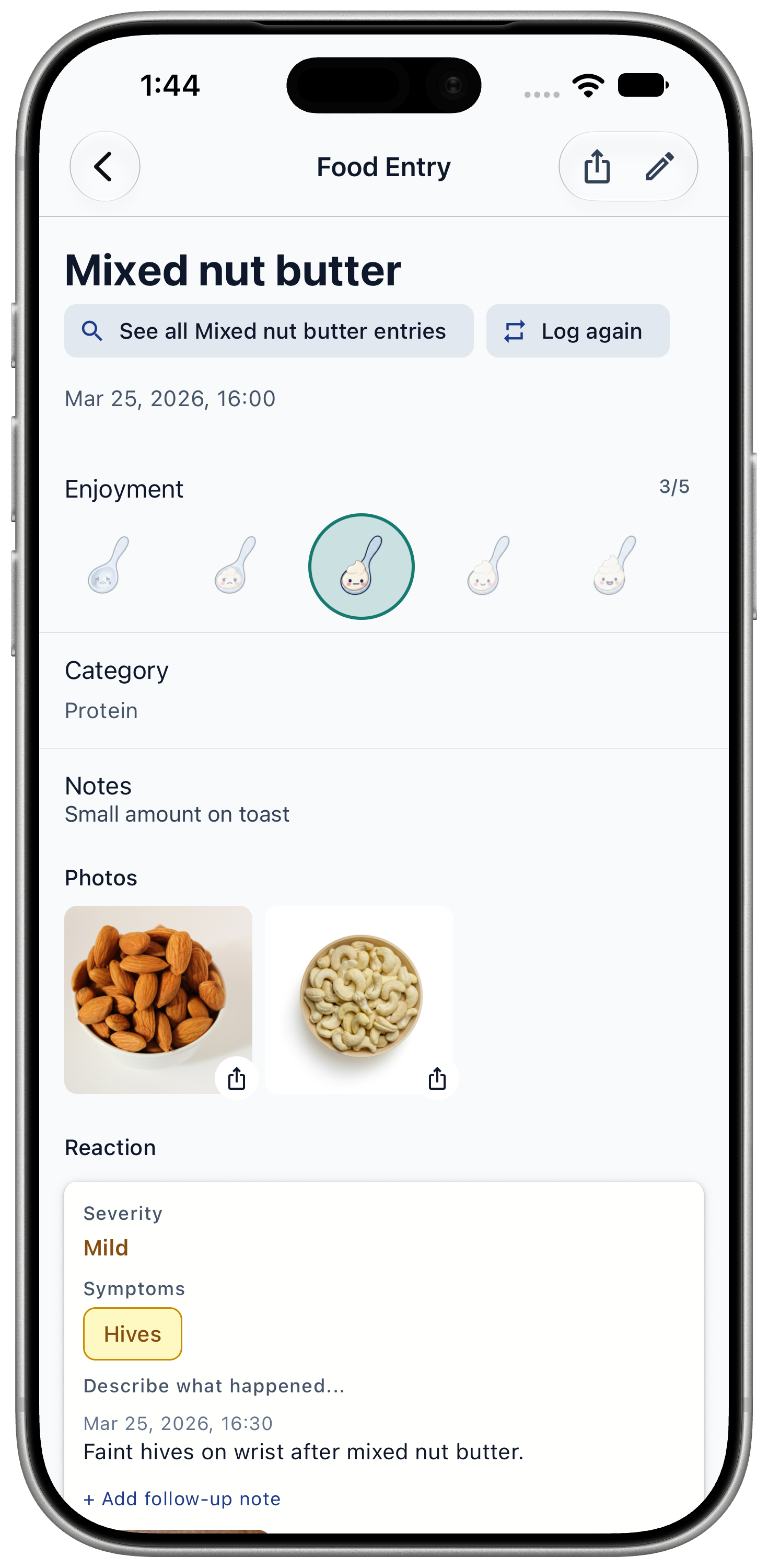
Record what your baby ate, when, how it went, and up to 3 photos.
Standard feature
Food logging is free and unlimited.
Steps
- Tap the + button in the middle of the tab bar.
- Type the food in "What did baby eat?", or tap one of your "Recent foods".
- Check the date and time. Change them if you are logging a meal from earlier.
- Optional: rate how much your baby enjoyed it, add a category, write notes, and add up to 3 photos.
- If your baby reacted, turn on "Flag a reaction" and fill in the reaction details.
- Tap the checkmark at the top to save.
To log the same food again, swipe its row on the Timeline and tap "Log again".
Good to know
A few things happen after you save.
- If food entry reminders are on, the app reminds you to check on your baby 1 hour after the meal and at 9 am the next morning.
- If the food contains an allergen, such as egg or peanut, logging it starts that allergen's 14-day window on the Schedule.
- If the food caused a moderate or severe reaction before, the app warns you when you log it again.
- There is no portion field. Write amounts in Notes if you want to keep them.