Logging
Log a reaction
Record symptoms, severity and timing against the food that came before, and add follow-up notes as things change.
Standard feature
The app records what you saw. It doesn't judge how serious a reaction is. If your baby has a severe reaction, call emergency services first.
Steps
- Open the food on the Timeline and tap "Add reaction". You can also swipe its row and tap "Flag", or turn on "Flag a reaction" while logging a new food.
- Choose a severity: Mild, Moderate or Severe.
- Select the symptoms you saw: Hives, Rash, Vomiting, Diarrhea, Swelling, Runny nose, Watery eyes, Cough, Wheezing or Other.
- Under "Symptoms started", tap Now, 30 min later, 2 hrs later or Next morning, or pick an exact time.
- Describe what happened and add up to 3 photos.
- Tap "Save reaction".
Each food entry holds one reaction. If symptoms change, add a follow-up note instead of a second reaction.
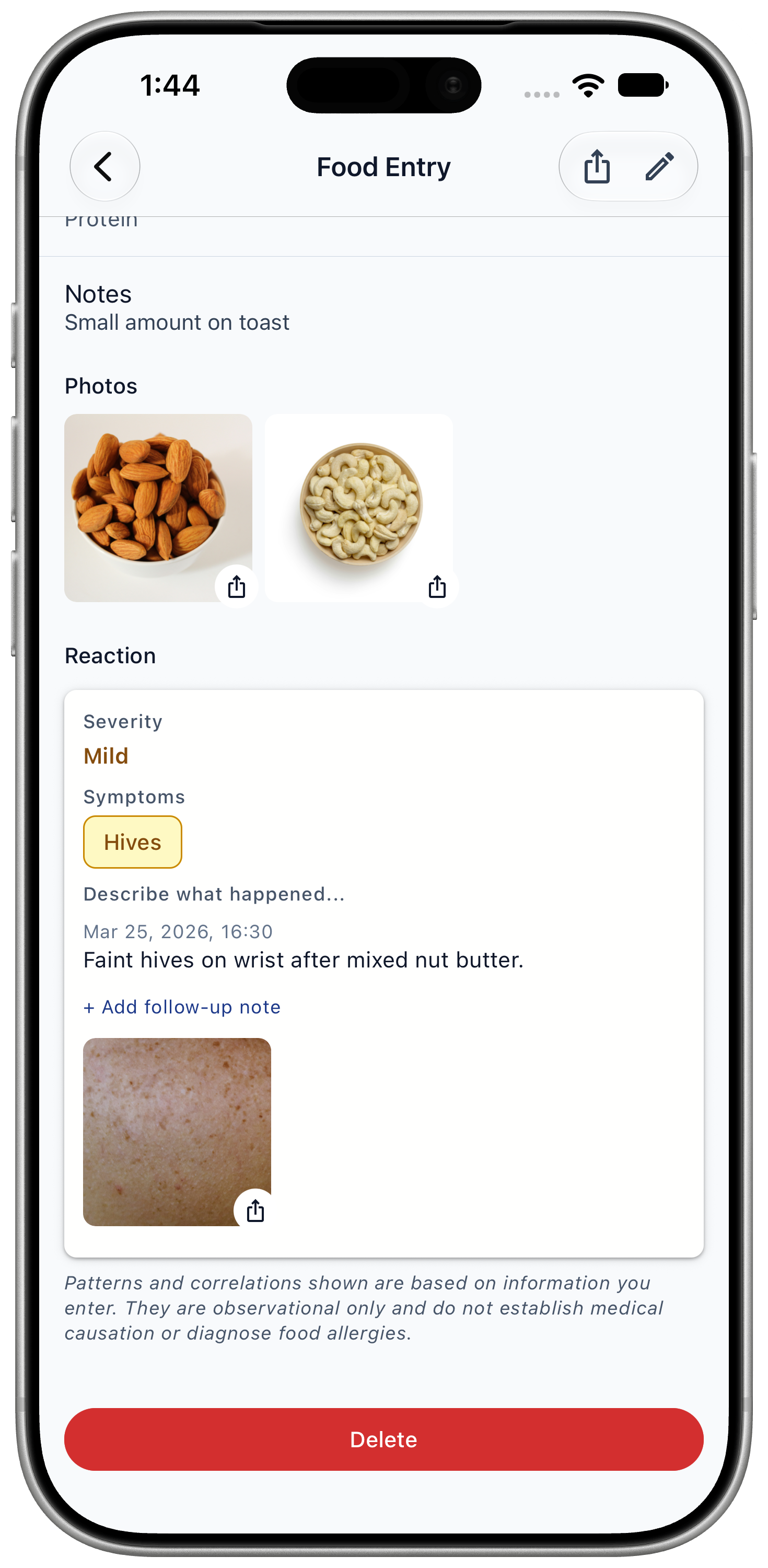
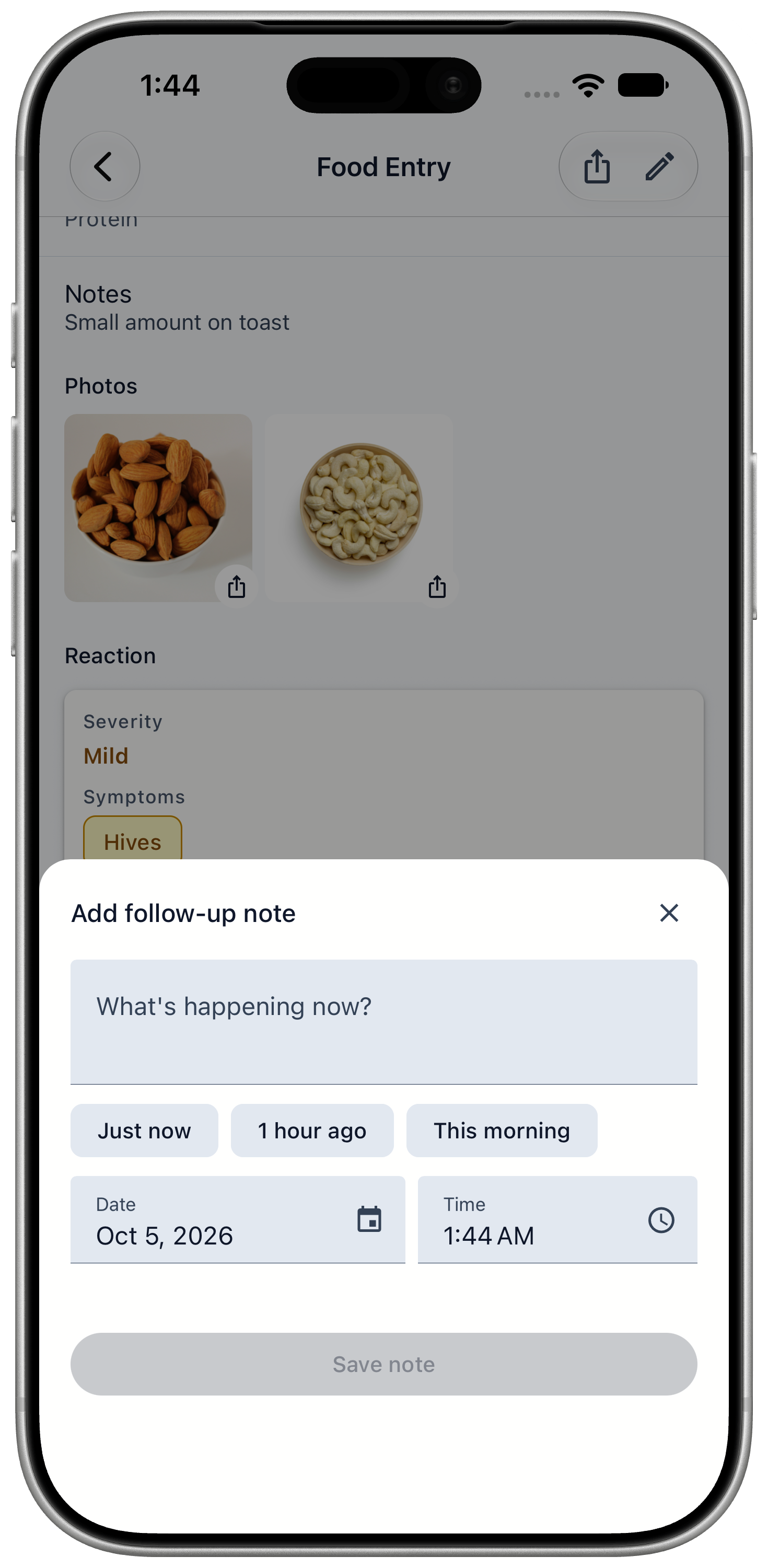
Add a follow-up note
Follow-up notes show how a reaction developed. They appear in time order and in the paediatrician report.
- Open the reaction from the food entry.
- Tap "+ Add follow-up note".
- Write what's happening now, and choose when: Just now, 1 hour ago, This morning, or a custom time.
- Tap "Save note".